Products overview
Products, at Marketplace → Products in Partner Center, lists the products enabled for your store with each one's store availability, active accounts, and growth metrics. You can configure retail pricing, white-label branding, auto-activation, upgrade paths, free trials, team access, and add-ons.
Why use Products?
- See what drives growth and track store sales and adoption
- Configure retail pricing, white‑label branding, and upgrade paths
- Monitor performance with real-time metrics (activations, deactivations, net growth)
- Improve customer experience with trials, team access, and add‑ons
What's in this section
The rest of this page summarizes Partner Center → Marketplace → Products (tabs, pricing, and growth metrics). For full procedures on specific topics, see:
- Create & Manage Custom Products – Build your own products with Create Product: quick and advanced setup, categories, marketing pages and order forms, unlimited add-ons, webhooks, and SSO.
- Google Workspace complete integration guide – Prerequisites, domain and DNS, new setups and subscription transfers, SSO and user management, troubleshooting, and a Setup walkthrough video (embedded from Google Drive).
What's included
Per product you can view store availability, active accounts, and growth metrics (activations, deactivations, net growth). You can configure retail pricing, white‑label branding, auto‑activation, upgrade paths, free trials, team access, and add‑ons. Retired products are identified with a Legacy status badge. Filter by All Products or My Products in Partner Center → Marketplace → Products.
Product configuration
Click any product to open management options:
Overview tab
- Account analytics (usage, geography, trends), market‑specific performance, and store visibility by market, segment, or region.
Product Info tab
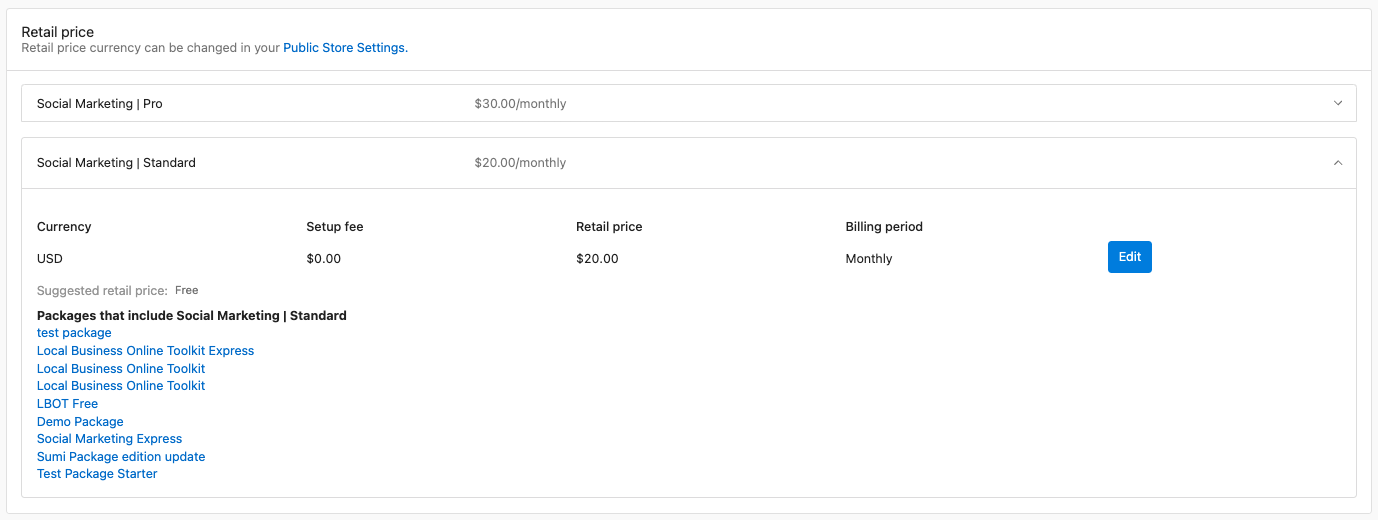
- Retail pricing: Start from MSRP; set prices by channel (teams, markets, segments), setup fees, billing periods, and optional automatic updates.
- Auto‑activation: Enable "Auto‑activate when ordered" for instant deployment (new accounts only; not CSV or store‑created). For products with multiple editions, choose which edition activates automatically from the edition dropdown in this section.

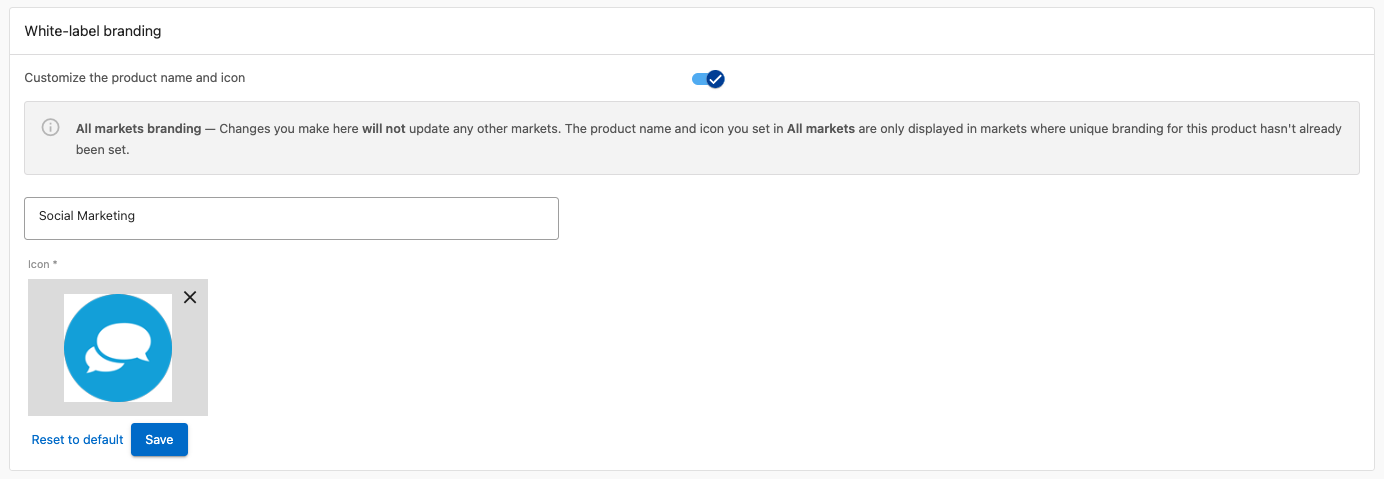
- White‑label branding: Use your product names and icons (select paid tiers).
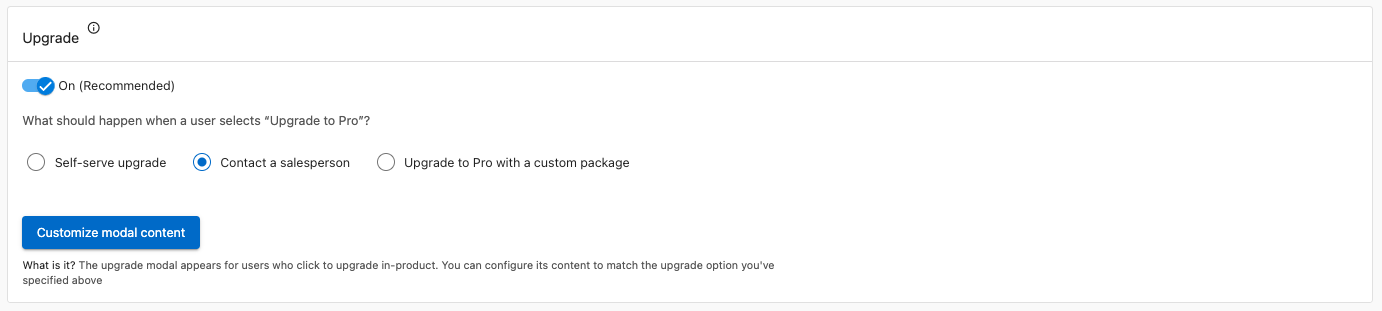
- Upgrade paths: Self‑serve, contact sales, or custom package; customize modals (title, content, CTA).
- Free trials: Set duration, terms, and messaging to reduce friction and improve conversion.

- Team access: Control which roles can access products for support, demos, and training.

Add‑ons tab
- View add‑ons; monitor sales and active accounts; configure pricing and availability.
Importing your catalog via CSV
You can bulk import products into your catalog from a CSV file. The import runs in the background, so you can keep working while it processes, and validates each row before importing. Once the import finishes, you receive a notification with a full report of what imported successfully and what failed, including the reason for each failure, such as an invalid price.
Best practices
- Pricing: Do regular competitive research and align prices with value delivered. This screen shows your suggested retail price. Your wholesale cost lives in the
Your costcolumns onMarketplace→Discover Products, so compare the two there to check each product stays profitable, then adjust retail for market conditions and demand. - Performance: Review growth metrics weekly. Use activation and deactivation patterns to spot product‑market fit and onboarding issues. Focus marketing and sales on products that drive growth and retention.
- Configuration: Keep white‑label branding consistent with your brand. Test upgrade paths and trials to improve conversion and lifetime value. Use team access and auto‑activation to balance support and efficiency.
Frequently asked questions
Where can I manage daily digest notifications for product activations?
Notification icon (top bar) → Settings → Accounts → Daily Activity → deselect "Emails" (platform or user level).
Can I change the 1-year commitment on a product?
Yes for retail: adjust billing frequency (e.g. yearly → monthly) in Product Info. Wholesale frequency is fixed—you're still charged annually if you bill customers monthly.
How do I disable auto product activation?
Marketplace → Products → select product → Product Info → toggle off Automatic Activation.
How do I choose which edition activates automatically?
Marketplace → Products → select product → Product Info → in the Auto‑activation section, select the edition from the dropdown. This dropdown only appears for products that offer multiple editions; if a product has only one edition, that edition is used automatically.
How can I rename products in the Marketplace?
Marketplace → Products → product → Product Info → White-label Branding → toggle on, enter name, save. Only for white-labelable products.
How can I initiate a product trial?
Some products (e.g. Reputation AI, ActiveCampaign) offer trials. Activate from Business App → My Products.
How do I activate a standard product for a customer?
Go to the customer's Business App and click Add next to Order Forms. Click + Order in the top right, select the product, review pricing, click Next, then Purchase. The product appears in the customer's active products list immediately with no additional setup required.
How do I configure the upgrade path for a product?
Go to Marketplace → Products, select a product, then click the Product Info tab. In the Upgrade Path section, choose one of three options:
- Order form (default) — customers are prompted to submit an order form for the Pro edition.
- Contact a salesperson — customers are directed to a page where they can message the assigned salesperson.
- Upgrade to a custom package — customers are taken to a custom package you define.
For the custom package option, you must first create and publish the package to your Store — see Packages for steps. Then:
- Select Upgrade to a custom package and search for your package in the Choose package field. You can select up to 30 packages.
- If multiple packages are selected, choose which price to display from the Display price dropdown. Check Hide price to hide pricing from the modal.
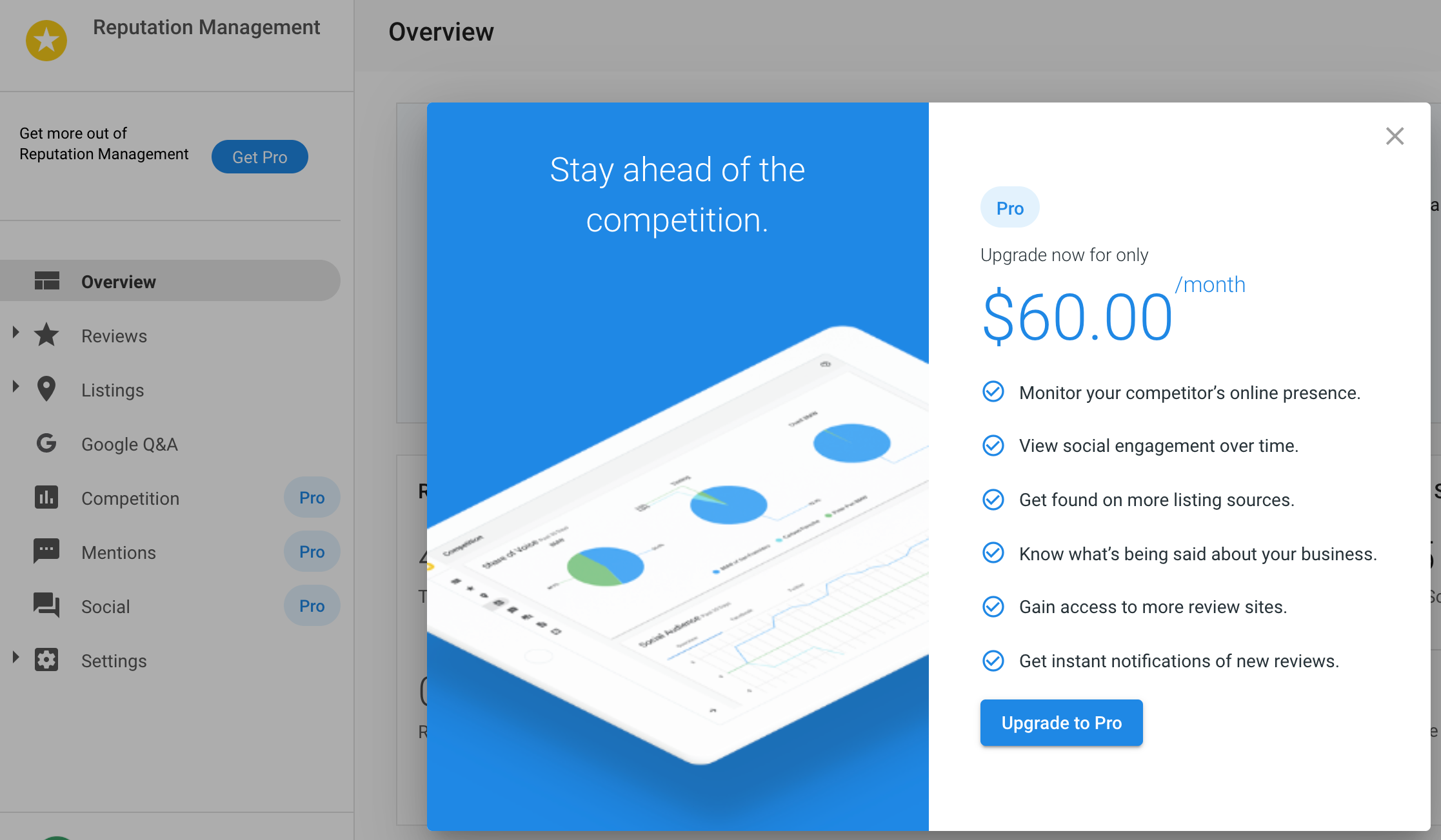
- Click Custom modal content to set a title, body text, call-to-action label, and custom image, then click Save.
How do I fulfill a product upgrade order placed by a customer?
- Go to Orders and click the ID of the order you want to fulfill.
- In the right-hand pane, select
Actions→Activate Products.

- Confirm the business details are correct and click Continue.
- Fill in the required order details and click Continue.
- Review the order and click Confirm to complete fulfillment.
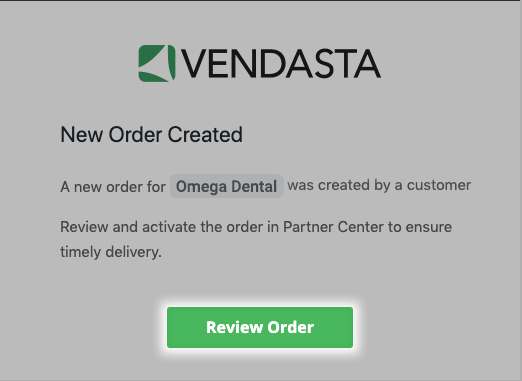
You can also fulfill an order by selecting the order notification from your notifications panel.
Can I link directly to a specific product?
Yes. Each product you open in Marketplace → Products has its own URL. Copy it from your browser's address bar to bookmark it or share a direct link to that product.
What does Legacy mean in Marketplace → Products?
A Legacy status badge identifies a retired product.
Advanced product management
- Markets: With Markets, set pricing and availability by region, use market-specific branding, and monitor performance per market.
- Integrations: Monitor health, set webhooks for product events, and manage API access.
- Revenue: Use dynamic and promotional pricing, tune upgrade paths, and track customer lifetime value.