Integrate your product
To create complex products, such as those where you log users into your product automatically when accessing it through Business App, you can use Integrations. This is accessible from the Integration tab of your product in the Vendor Center.
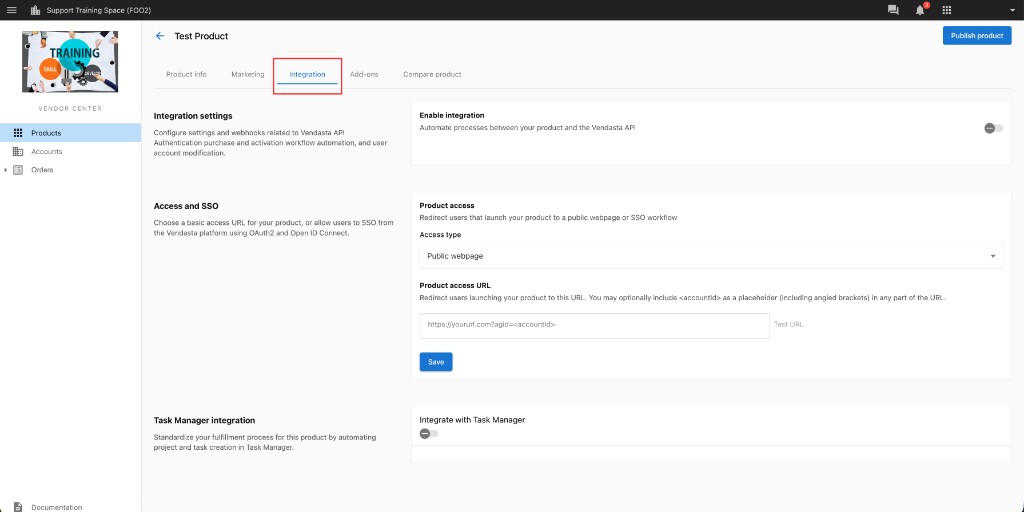
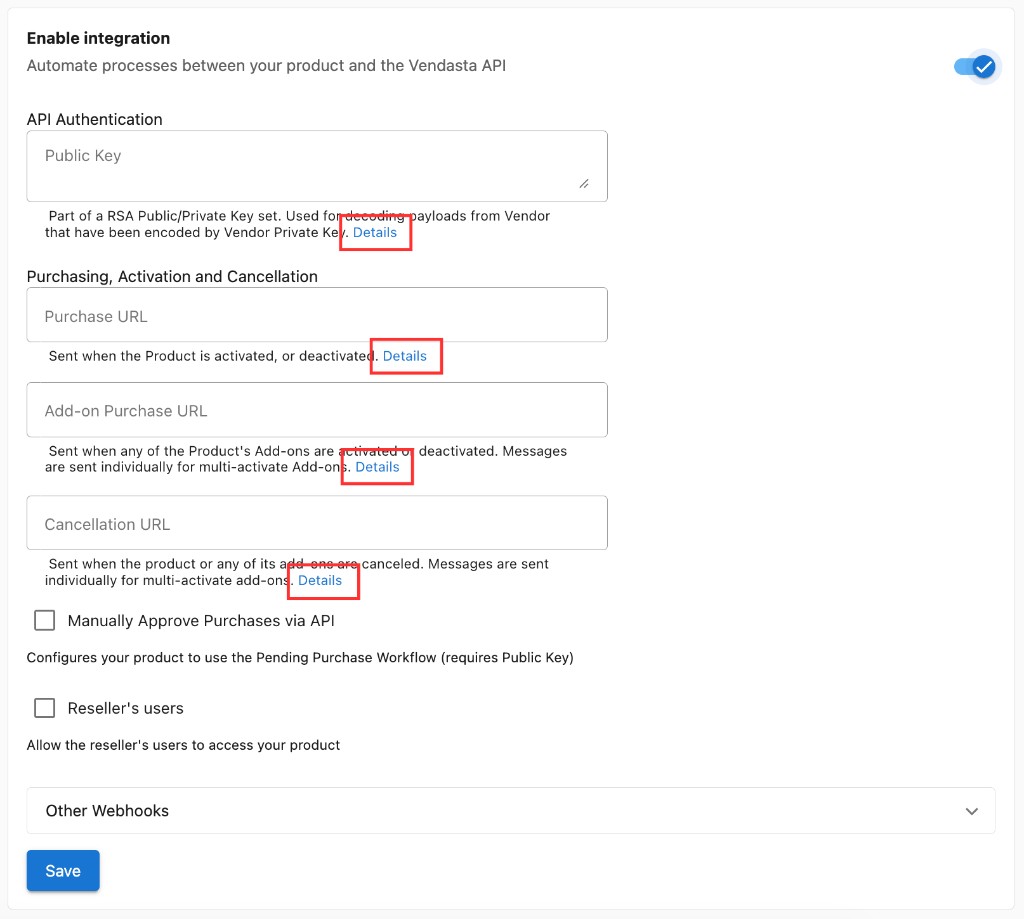
To begin integrating, toggle the Enable Integration setting on. On each field, you can click Details to find specific information on how to integrate your product.
info
Depending on your product's existing infrastructure, integrating your product may require technical or development work from your team. Only those familiar with these concepts should attempt to use these advanced integration options. To explore integration options, see the developer documentation.