Acquisition widget welcome email
Legacy Feature Notice
The Acquisition Widget is a legacy Vendasta feature. We recommend using CRM Forms to automatically capture leads and fully customize nurturing automations (including Snapshot Report workflows). If you prefer a setup similar to the original Acquisition Widget, you can use the "Acquisition Widget" form template, which provides a comparable default configuration.
When a new customer signs up for an account through the acquisition widget they are not automatically sent the New User Welcome email that you would normally associate with new user creation. To have a welcome email sent, add a Welcome Email campaign to the widget when creating it.
Add a welcome email campaign
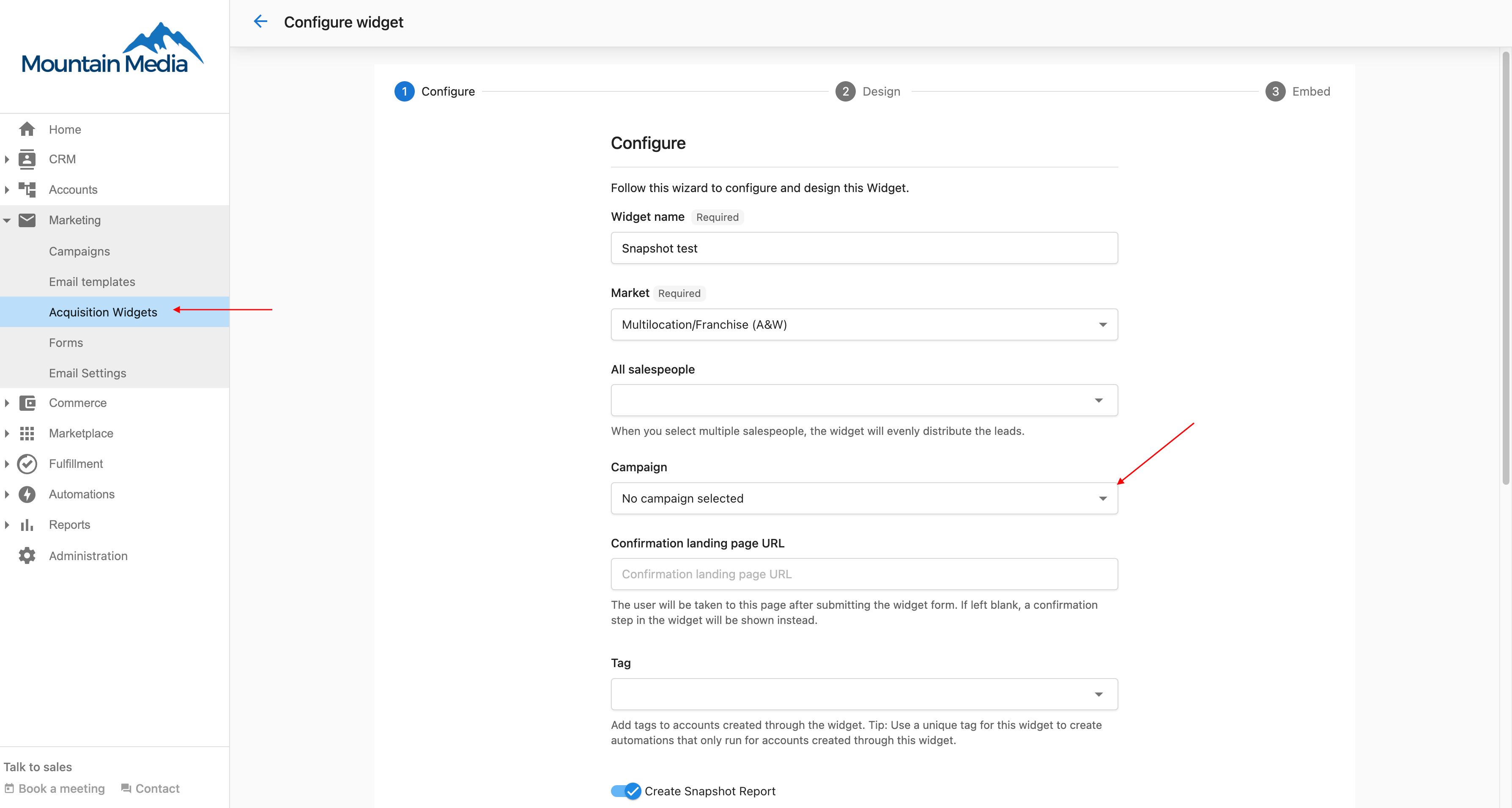
- You can add a campaign when creating or editing an acquisition widget by selecting the campaign line.
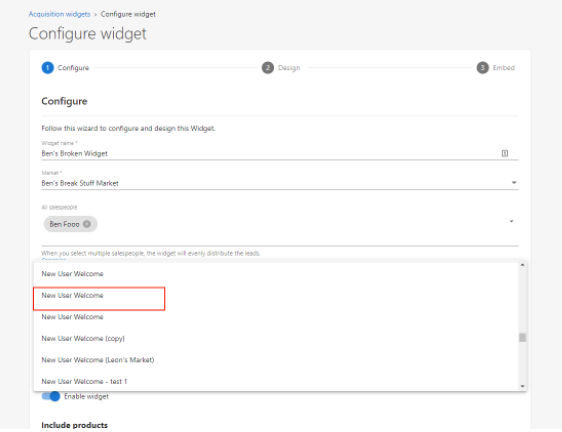
- From the drop-down list, select the applicable campaign name.
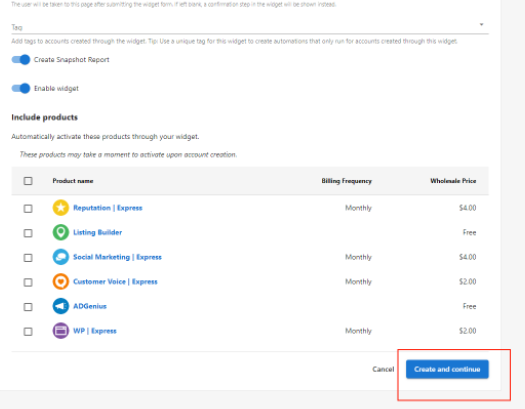
- Once the desired campaign is selected, click
Save and continueto move to the next step in the creation of the widget.