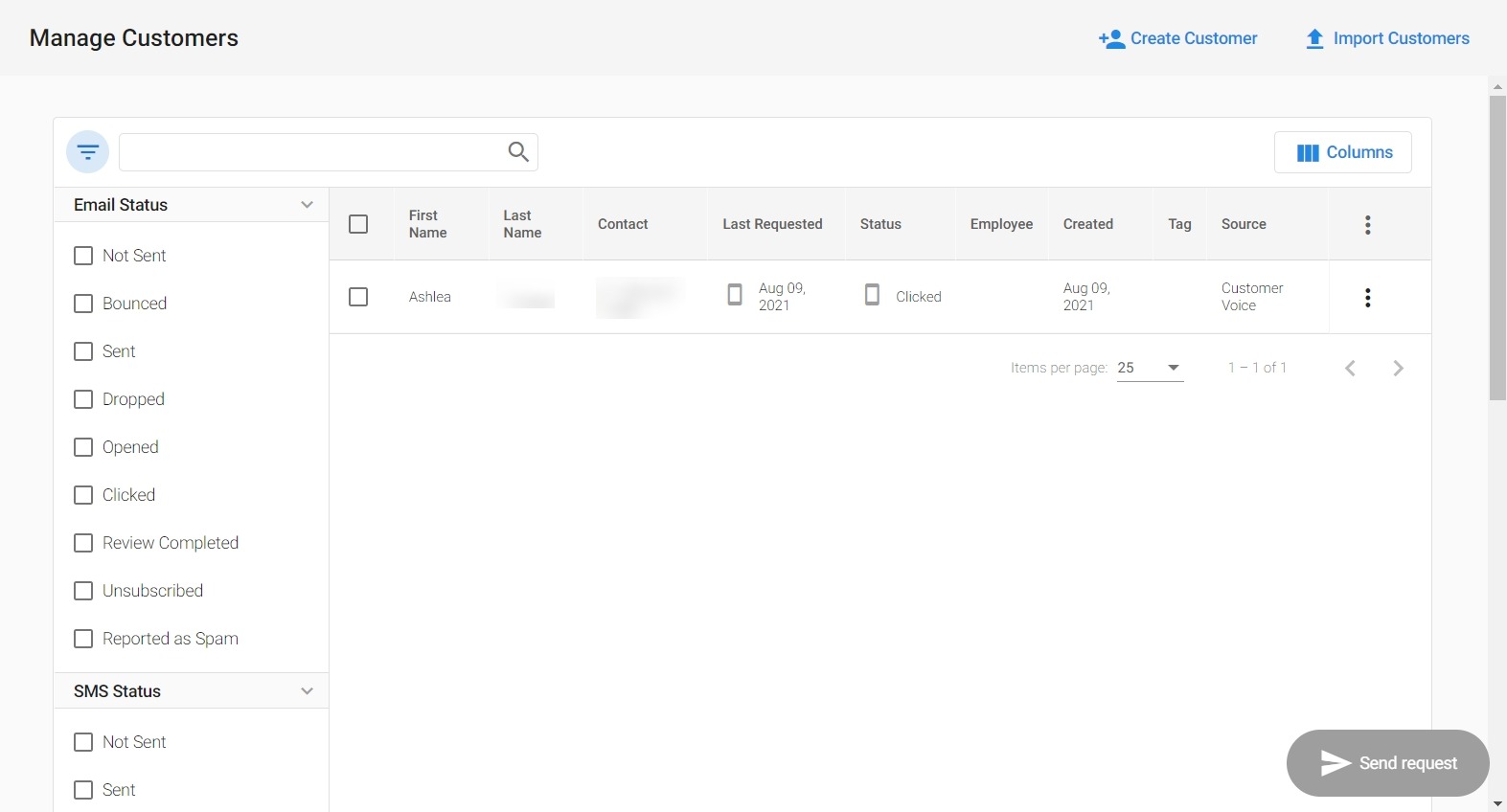
Review request status details and email history
Deprecated
As of February 21st, 2025, Customer Voice is legacy. Use Reputation AI Premium for reviews and NPS via email and SMS.
You can view your review request status details and email history in the Customer Table.
Why is viewing review request status important?
Quickly and easily keep track of the review requests sent to an individual customer and view a detailed status of the performance of the emails sent.
How does viewing review request status work?
- Go to
Customer Voice→Customers. - Click on the
filterbutton , and under the column
 Email Statusclick on the status you would like to view details for.
You will be able to view the date and time of each email review request that has been sent to that customer, and actions that have been taken, such as opened and clicked. If no request has been sent, or the email has bounced, it will state there is no email history for this customer.