Translate & Customize
Use Weblate to translate and customize text across the Vendasta platform. Access it from Partner Center → Administration → Translate and customize or at weblate.apigateway.co. Sign in with Single-sign-on using your Vendasta credentials.
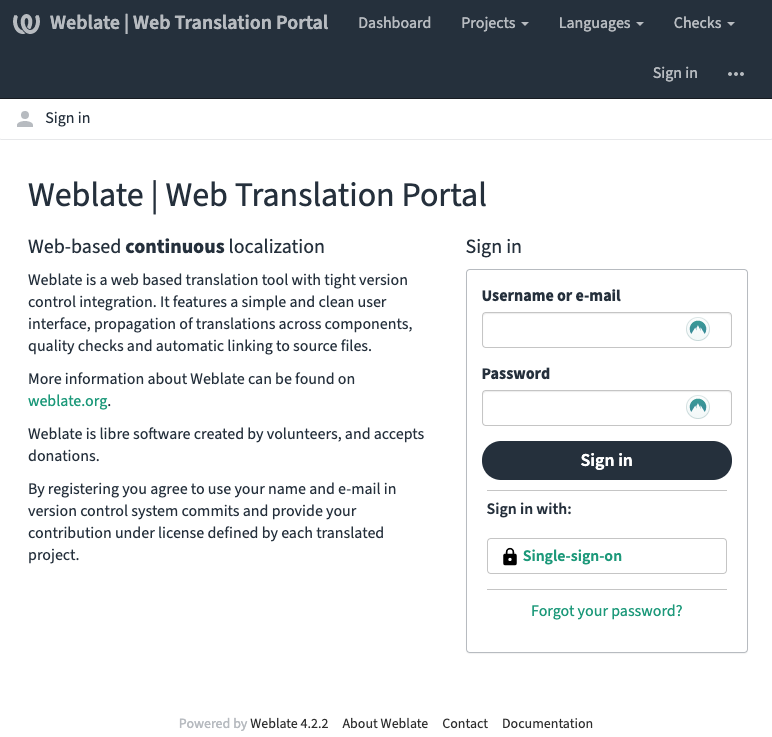
What is Weblate?
Weblate is a centralized database for all of Vendasta's text content. As a partner you can contribute translations to the Vendasta ecosystem. Learn more about the software at weblate.org.
Why use Weblate?
Translation is often manual, slow, and error-prone. Weblate automates syncing so source text and translations stay in sync between apps and Weblate.
Supported languages
Supported languages include Czech, Dutch, French, German, and Spanish. View status and coverage at Weblate Languages.
What you can translate
- Business App
- O&O products
- Partner Center
- Task Manager
Translating text
- Go to Partner Center →
Administration→Translate and customize, or open weblate.apigateway.co. - Sign in with
Single-sign-onand your Vendasta credentials. - In Weblate:
Languages→Browse all languagesand click the language you want. - Click the project you want to translate (e.g. Business App), then the component (e.g. Executive Report), then
Translateon the right. - In the translation view you see the original (English) and a text box for your translation. After each entry click
SaveorSuggest(depending on your permission); you move to the next unit automatically.
More on workflows: Weblate Documentation – Translating.
Customizing text (white-labeled translation)
To customize text for your customers:
- In Weblate, open the project you want to customize (e.g. Business App) and the component (e.g. Executive Report).
- At the bottom of the language list click
Create white-labeled translation. - Select a language from the list and click
Create. - The new translation is created shortly; open it from the component page.
Permission levels
There are two permission tiers in Weblate:
| Role | What you can do |
|---|---|
| Viewer | View all Global translations, make suggestions, and create white-labeled translations visible only to your customers |
| Trusted Translator | All Viewer privileges, plus the ability to review Viewer suggestions and contribute directly to Global translations |
To become a Trusted Translator, contact your Vendasta representative.
Frequently asked questions
What languages are supported?
In Weblate click Browse All Languages for up-to-date statistics. Supported languages include Czech, Dutch, French, German, and Spanish.
How can I add a language?
Contact your Vendasta representative for unmet translation requirements.
What parts of the platform support translations?
In Weblate click Browse All Projects to see available projects.
How can I contribute to a translation?
Follow the quick-start video tour in Weblate for your first contribution; see Quick Links there for more documentation.
When are translation suggestions reviewed?
Typically within 30 days.
What if only part of the site is translated?
A language may not have 100% coverage. Untranslated content falls back to English.
Some text keeps its original wording by design in every language: product names you configure, the names and descriptions of AI capabilities (they are part of the instructions the AI works from), and knowledge source names as the business entered them.
How are bad or inappropriate translations prevented?
Only Trusted Translators can update Global translations (the content every user can see).
Can I limit my users to only specific languages?
Not at this time.
Why is there HTML in the text?
Some HTML is kept inline so translators see full sentences and structure; it helps with context.
Why are there curly braces in the text?
Curly braces mark where dynamic or parameterized content is substituted. Do not modify the text inside the braces.
How do I translate emails?
Translatable email templates are in the Email Templates project in Weblate.
How do I translate videos?
Translatable video subtitle files are in the Video Captions project in Weblate.
How does Weblate handle plurals, genders, and declensions?
Current internationalization tech does not fully support declensions.
Is Weblate available on all subscription levels?
Weblate translations and contributions are available only on Premium subscription and above.