Managing payments
In Partner Center, you manage Vendasta Payments activity by turning on payment notifications in Notification Settings and by responding to disputed payments in Commerce → Payments, where you can provide evidence or accept the dispute.
Payment notifications
If you use Vendasta Payments, you can be notified in-platform when one of your clients pays an invoice or makes a purchase via the Shopping Cart. If a payment fails, you receive a notification via email. Note that only Partner Center admins can receive these notifications.
Invoice and payment notifications can be set up or changed using the Notification Settings page in Partner Center.
How do I set up payment notifications?
To access Notification Settings in Partner Center:
- Click the Notifications icon in the top bar
- Click the Settings icon
- Scroll down to the Billing section
Under the Retail Payments setting, check the App notification under the Platform Settings column to be notified when a client pays an invoice or makes a purchase via the Shopping Cart.
You can also be notified when an invoice is automatically generated by enabling notifications for Invoice Auto-generated.
What happens when a subscription payment fails?
How Vendasta handles failed or unpaid subscription billing depends on your billing type.
Instant Billed partners
If a subscription renewal charge fails, Vendasta initiates a 14-day dunning process. During this period, the system automatically reattempts the charge 5–6 times. You receive email notifications for each failed payment attempt. If all retries are unsuccessful, the subscription is marked as Failed.
Invoiced partners
Billing is managed at the end of each month. Suspension for non-payment is handled manually by the Vendasta Finance team rather than through automated retries.
Tracking payment statuses
You can monitor payment statuses — including failed charges and overdue invoices — in the Payments tab of the Billing Center in Partner Center.
Keeping a close eye on failed payment notifications allows you to reach out to clients early to update their payment details and avoid subscription interruptions.
Payment notification FAQ
Will I be notified if a payment was successful or not?
Yes — both you and your customer will be notified of successful and failed payments.
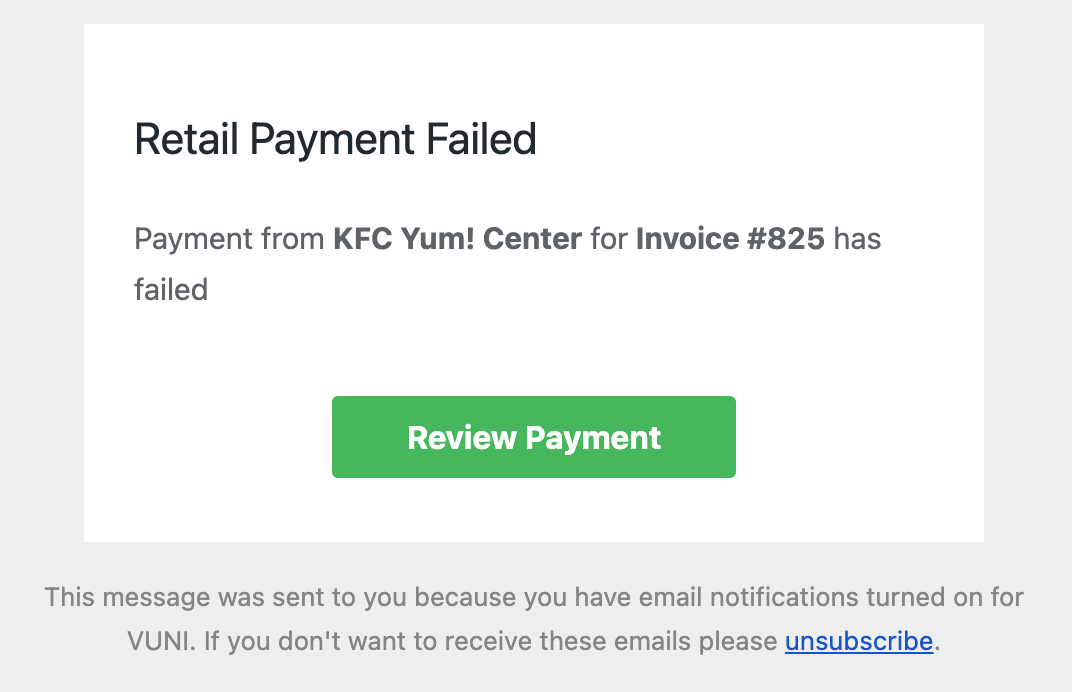
Sample email to a Partner showing a failed payment:
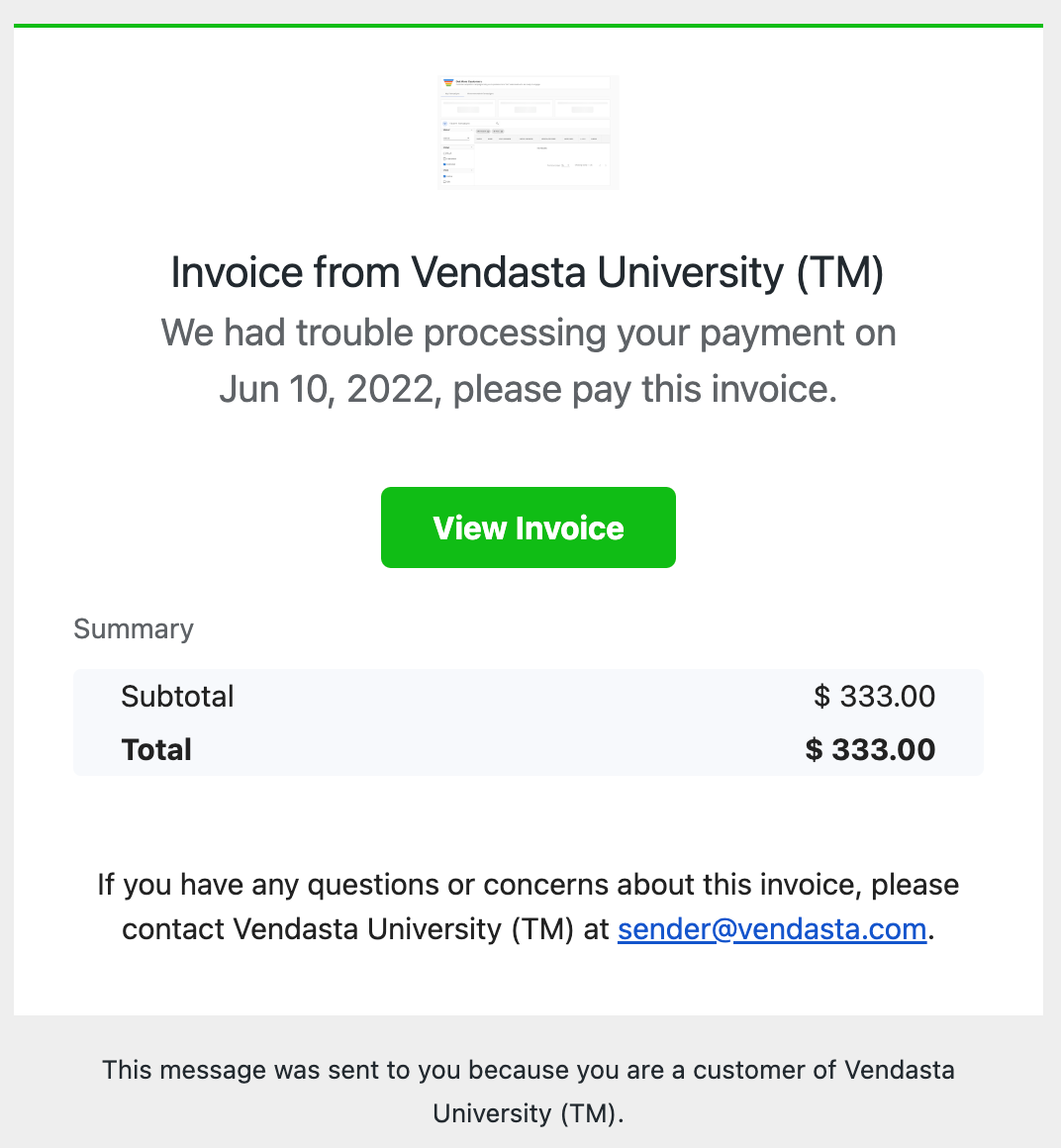
Sample email to the Customer showing a failed payment:
Who receives payment notifications?
Only Partner Center admins can receive invoice and payment notifications.
How am I notified when a payment fails?
You receive an email notification when a payment fails. For Instant Billed partners, you receive an email for each failed attempt during the 14-day dunning process.
What happens if an Instant Billed subscription renewal fails?
Vendasta starts a 14-day dunning process and automatically reattempts the charge 5–6 times. If all retries are unsuccessful, the subscription is marked as Failed.
Where can I see failed charges and overdue invoices?
You can monitor payment statuses, including failed charges and overdue invoices, in the Payments tab of the Billing Center in Partner Center.
Billing disputes
When a customer disputes a payment, you'll see a "Disputed" status on that payment in Partner Center. You have two options: provide evidence to counter the dispute, or accept the dispute to refund the customer.
Taking care of disputes is part of the responsibilities that come with offering credit card payments.
How do I respond to a disputed payment?
- In Partner Center, go to
Commerce→Payments - Click the disputed payment
- Choose your response:
- Click Provide Evidence to contest the dispute
- Click Accept Dispute to agree to refund the customer
How do I provide evidence?
You'll be presented with a form to submit evidence supporting your case. Enter transaction details such as:
- Customer name, email, and billing address
- Product or service details
- Supporting documents: customer communications, signatures, receipts, or other evidence (maximum 5 MB per file)
The specific fields will vary based on the reason for the dispute. Click Submit evidence when done.
What happens when I accept a dispute?
Accepting the dispute confirms you agree to refund the customer. A $15 dispute fee applies when you accept a dispute.
Possible outcomes
After submitting evidence, there are two possible outcomes:
- You win the dispute — The customer's bank resolves the dispute in your favor and releases the funds back to you
- You lose the dispute — The bank decides in the customer's favor and the funds are returned to them
Dispute rate
Stripe requires all accounts to keep their overall dispute rate below 1% of total transactions. Accounts approaching this threshold may be contacted to help reduce disputes.
Dispute prevention best practices
To help prevent disputes:
- Use a clear business name that customers will recognize on their credit card statement
- Clearly communicate your return and refund policies
- Provide excellent customer service and respond quickly to customer inquiries
- Keep detailed records of all transactions and customer communications
- Issue refunds promptly when requested and appropriate
By following these guidelines and responding properly to disputes, you can protect your business while maintaining good customer relationships.